Microsoft's Challenge with Windows 11 Optimization
Microsoft is facing a significant challenge in optimizing Windows 11, as it has reportedly launched a project called 'K2' aimed at addressing several critical issues. This initiative seeks to eliminate the problems of bloatware, excessive AI usage, and improve gaming performance. The goal is to make Windows 11 more competitive with Valve's SteamOS, which could help regain user trust.
Many users, including myself, have long been frustrated with the operating system due to persistent bugs that seem to follow each update. These issues have made the experience less than ideal, especially for those who rely on their computers for both work and entertainment.
However, there's an ongoing memory crisis that has left consumers with limited affordable options for RAM kits. This situation has only exacerbated the problems faced by Windows 11 users, as the OS and its applications are consuming more RAM than necessary. It's no surprise that Microsoft is now focusing on optimization for the OS.
Managing Memory Woes
In the meantime, I've found another way to manage these memory issues. Windows 11 and its applications are using more RAM than needed, which can be a significant problem for low-end PCs or handheld devices.
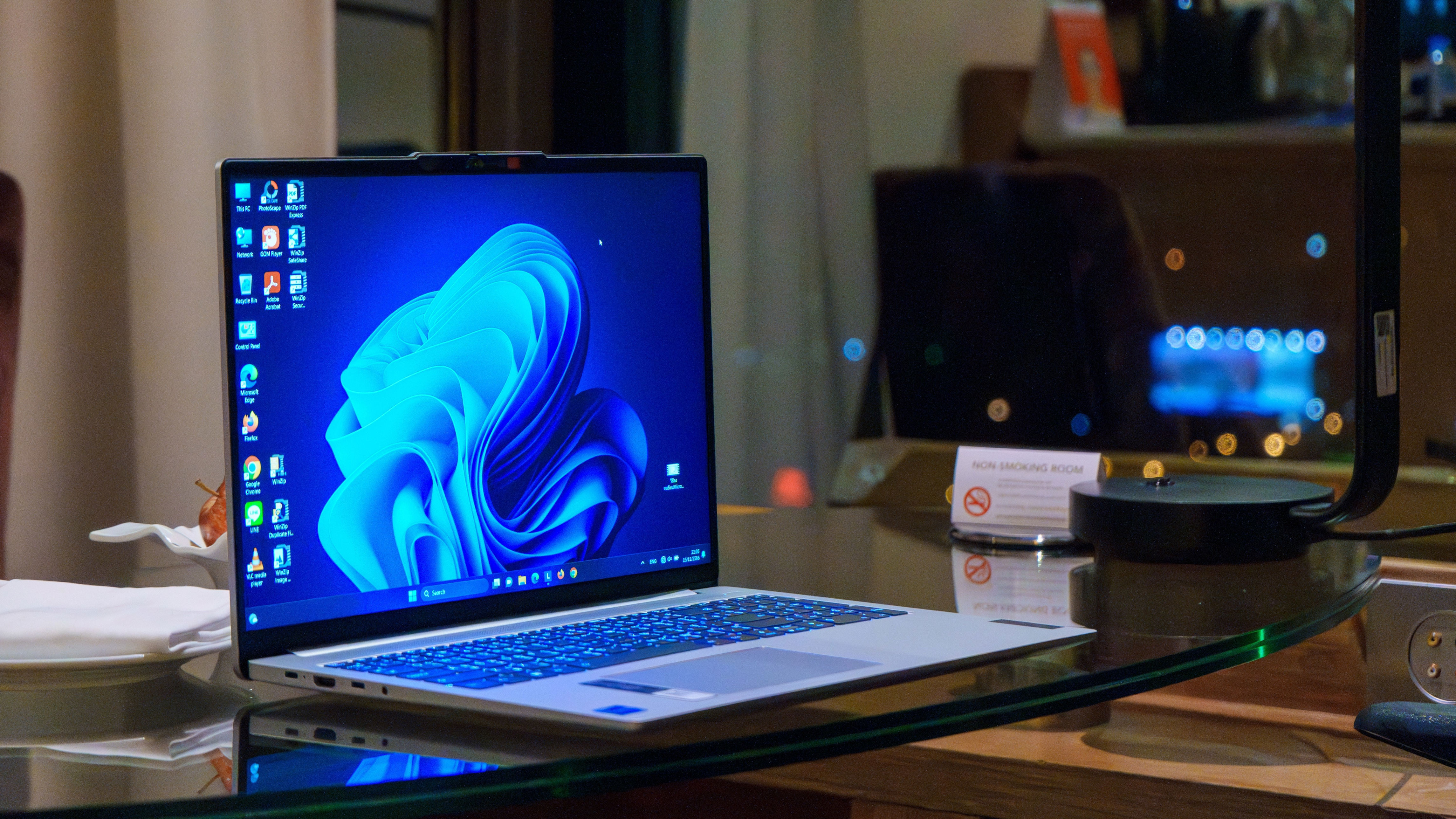
Using the Windows RAM & Performance Optimizer available on GitHub by Priyom Saha, I've been able to reduce memory consumption with just a few clicks. This tool works through a script that eliminates unnecessary background applications and persistent bloatware designed to run in an endless loop every 10 seconds. It also actively monitors and trims RAM usage in real-time, helping recover memory that could be used for more intensive tasks.
While using this tool, I noticed that Windows 11 and its applications, including non-Microsoft apps, were using more RAM than necessary. In some scenarios, I saw drops of up to 6GB in usage. For example, when running Microsoft Edge (or even Chrome) in the background with only a few tabs open, I observed RAM usage drop from 17GB to 11GB in a matter of minutes.
The drops aren't as significant when the system is idle, but I still noticed that when running the script, at least 1GB or 2GB of memory was recovered. While this might not seem like much for systems with 16GB or more, it's a bigger issue for low-end PCs or handhelds.
The Broader Issue
It's important to note that the problem isn't solely with Windows 11. Other applications are also contributing to the memory usage. Browsers like Edge or Chrome, and entertainment apps like Spotify, shouldn't be pulling so much memory, especially when performing basic background tasks.
The combination of Windows and non-Windows applications, along with the operating system's bloatware and usual background activity, seems to be creating an excessive amount of RAM usage. It's encouraging to hear that Microsoft is addressing this with project K2, and I'm hoping to see major improvements soon.
While we wait for these changes, there's always Saha's RAM optimizer to help manage the current situation.
Komentar (0)