Tested the Eureka Ergonomic Axion – a stylish mid-range chair for work and play with excellent ergonomics
Eureka Ergonomic Axion: One-minute review
Eureka Ergonomic, a company based in California, is known for producing office and home furniture with a strong focus on ergonomic design. The Axion chair sits in the middle of their extensive range, offering a hybrid model that emphasizes both ergonomics and adjustability.
From the moment you lay eyes on it, the Axion is an attractive piece of furniture. It features a sleek all-black design with occasional bursts of color, making it suitable for a neutral home office while still appealing to those who enjoy more vibrant aesthetics, such as gamers who prefer RGB lighting. The chair offers a wide range of reclining options and numerous adjustable support areas, many of which are well-executed.
My few criticisms are minor. I received the fabric-upholstered version, which comes with a nylon base. While this is durable enough for most uses, I would have preferred the aluminium base found on the mesh version, which might offer greater confidence in terms of longevity.
Despite these minor concerns, the Axion is reasonably priced at under $500. Considering the amount of ergonomic features it provides, it makes for a solid daily driver. However, if you're looking for the highest-end materials, you might find better options from brands like Steelcase or Herman Miller. Similarly, more purpose-built gaming chairs could be better suited for a dedicated streaming setup. For most users, though, the Axion should serve as a reliable and supportive chair.
Eureka Ergonomic Axion: Price and availability
The Axion is priced at US$499. At the time of writing, it's available for $469, which is a decent discount for a highly adjustable ergonomic hybrid chair. Compared to other gaming chairs, such as those from Secretlab, the Axion is about $200 cheaper, making it a good choice for those seeking something understated yet functional.
In the broader context of Eureka's product lineup, the Axion falls into the mid-range price category. It is the second-most expensive option among four chairs on the company’s website, but it doesn't carry the "best seller" tag. Whether that means anything is up for interpretation.
Eureka Ergonomic Axion: Design and setup
Very smart design
The Axion is delivered in a large cardboard box and requires some assembly at home. Each component is well-wrapped, and I didn’t experience any damage during transit. The screws, bolts, and fittings are clearly marked in separate bags, making the assembly process straightforward. I recommend setting aside about an hour to complete the build without rushing.
The instructions provided by Eureka are adequate but not exceptional. While I didn’t encounter any issues, I’ve seen clearer guides in the past. This may reflect the chair’s Chinese origin.
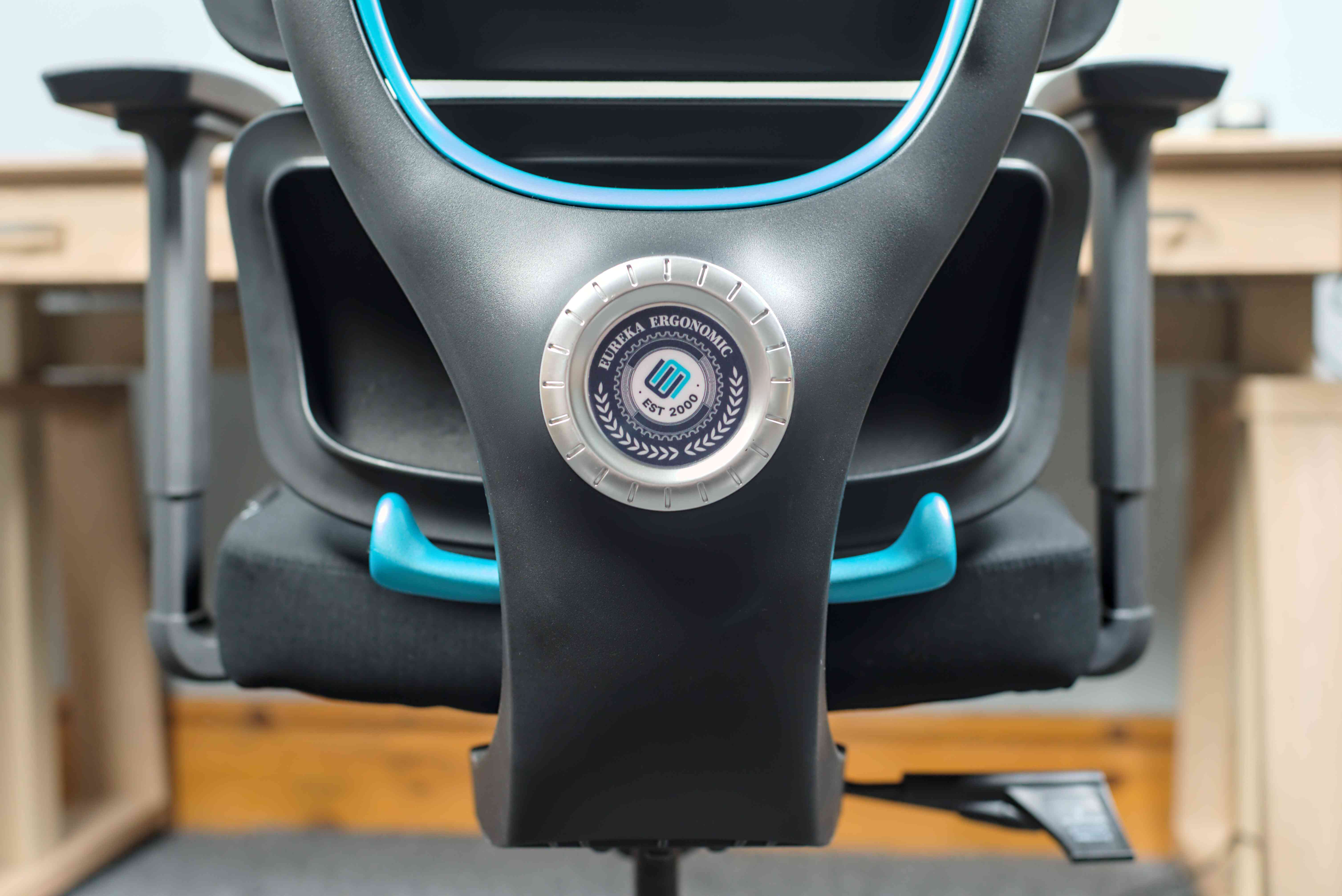
During the assembly, each part of the chair felt solid and well-made. The base was neatly stapled together, and while not high-end, everything seemed durable. I had no concerns about the quality, unlike my experience with the Fezibo C3.
One thing I would have appreciated was more detailed documentation on the chair’s features. For example, I only discovered that the lumbar support could move horizontally after checking the product page. A walkthrough guide would have helped me make full use of the chair from the start.
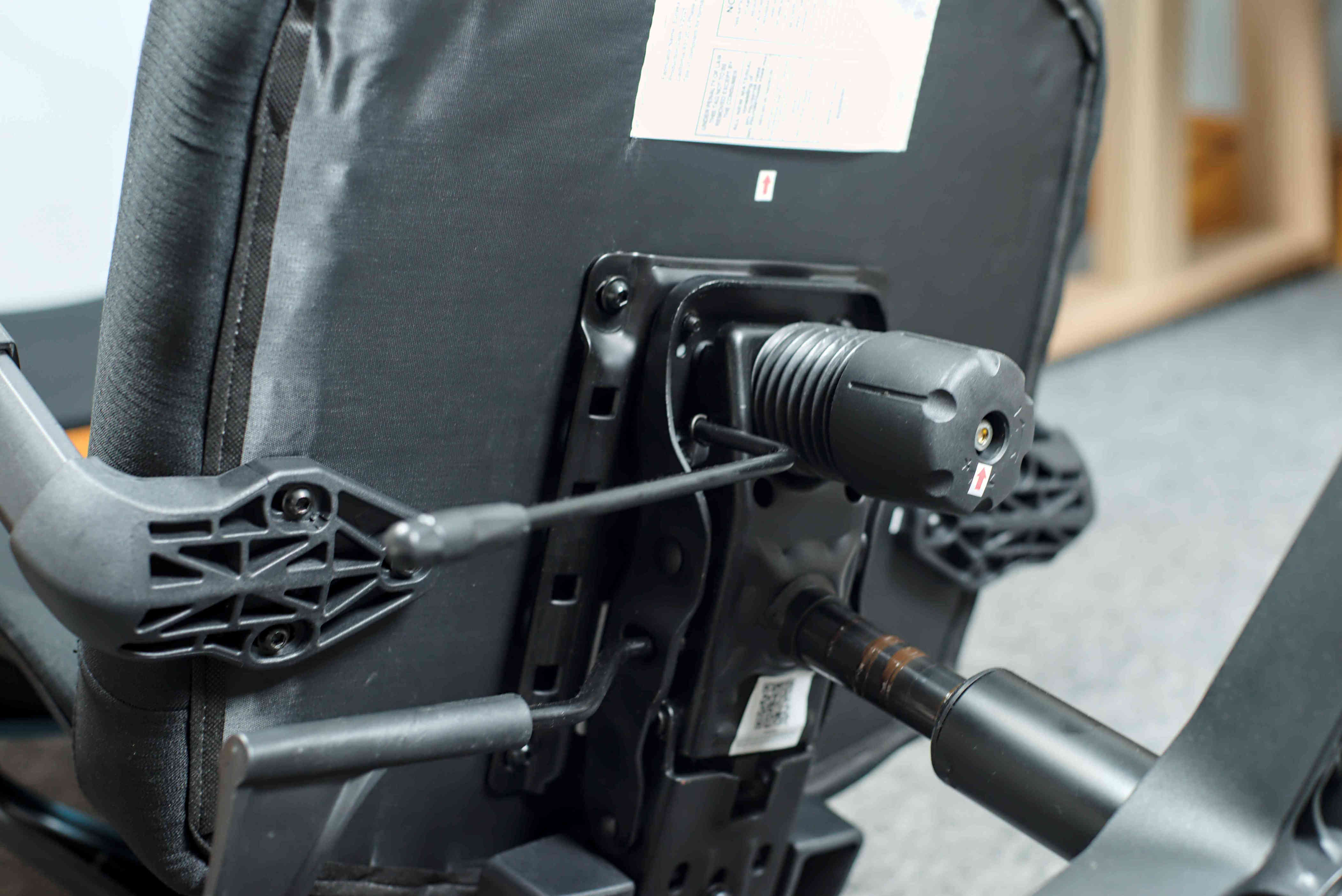
I was also supplied with a second gas strut for use on carpets. I’m not sure if this is a common issue or just a testing model, but it’s interesting to note that the chair has a minor design flaw that requires user intervention. Fortunately, the installation was simple and likely free for buyers.
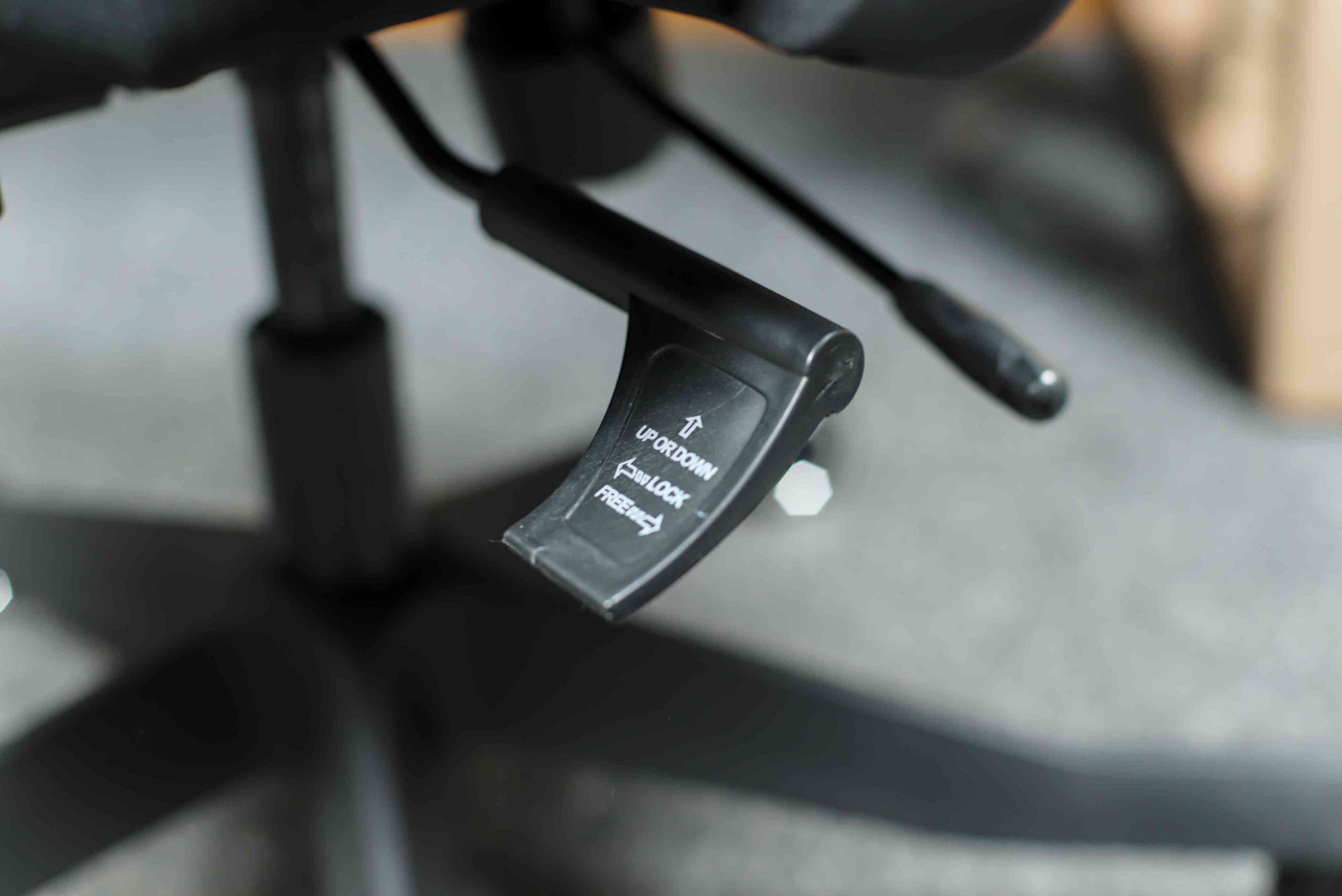
The chair offers a wide range of adjustments. The headrest, lumbar support, armrests, and seating pad can all be adjusted in three different ways. I found it easy to dial in my ideal seating position. Some parts could be a little stiffer, and I occasionally moved the headrest while leaning back, but overall, the design is very comprehensive.
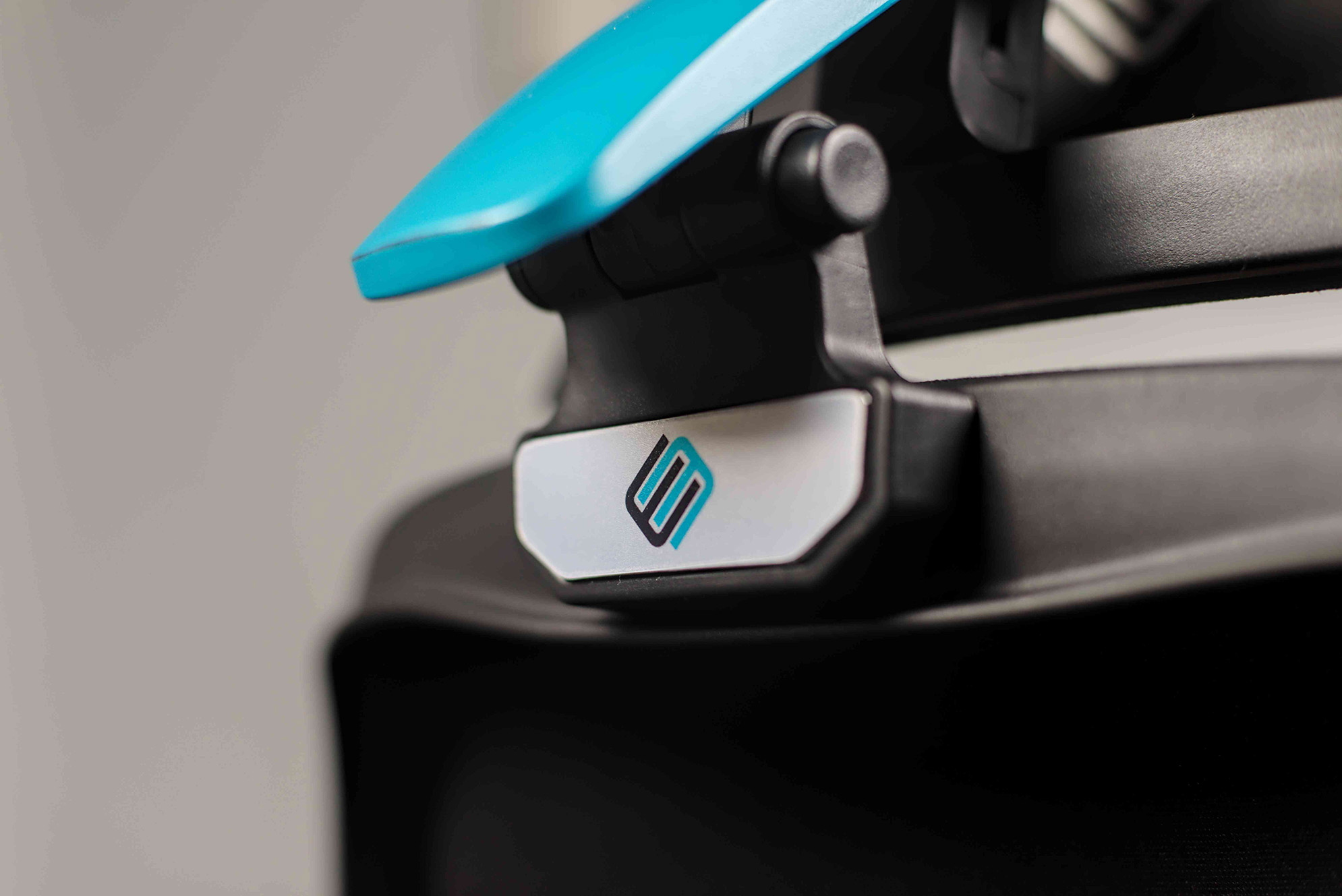
It’s worth noting that the two upholstery options – mesh and fabric – come with different bases. I see no clear reason for this except perhaps aesthetics. Most people might prefer a metal base regardless of the upholstery, even though the nylon base on my test model was acceptable.
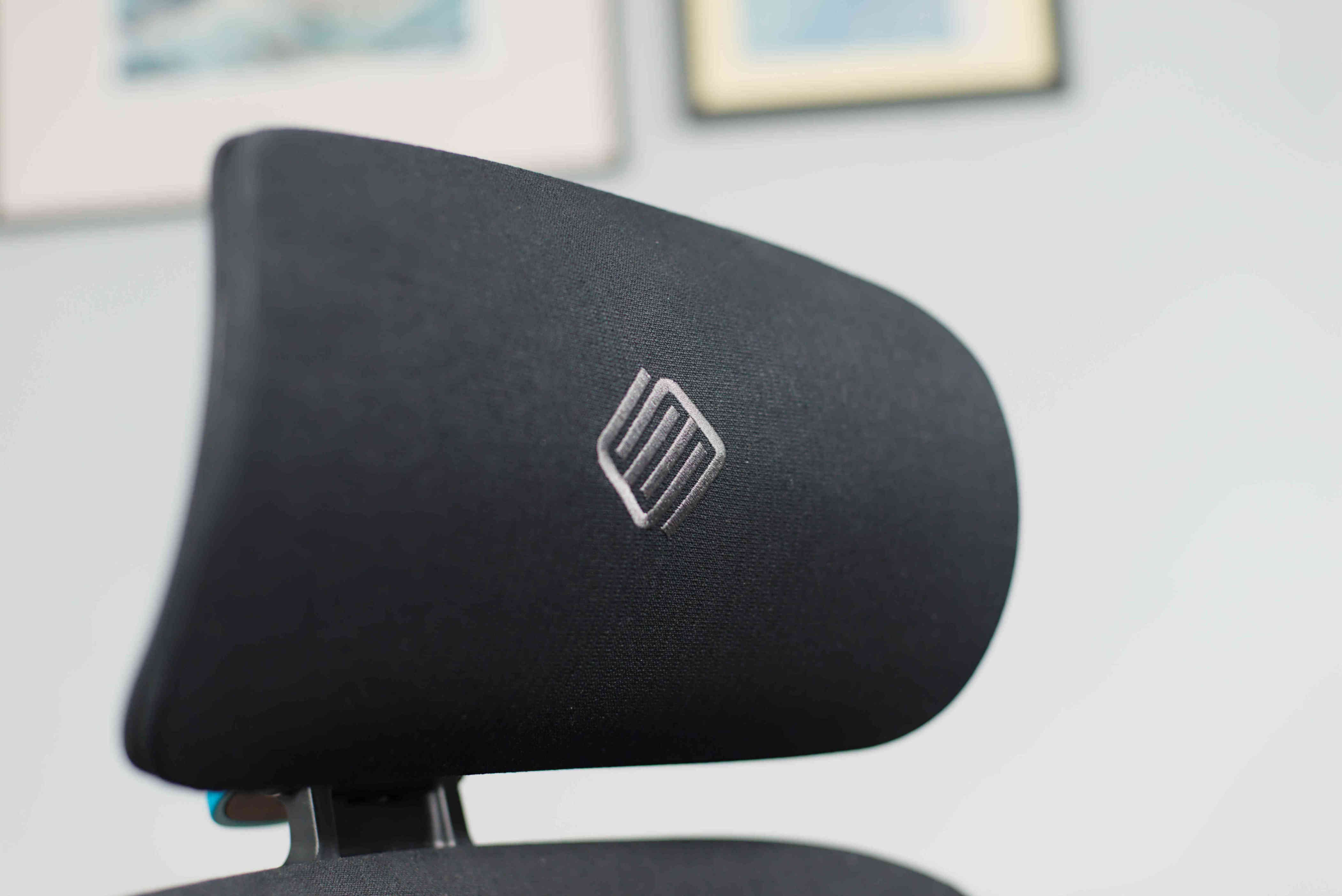
In terms of appearance, the Axion is visually appealing. It has a simple design dominated by black plastic and fabric or mesh, with a pop of color on the back that adds some visual interest. Several color options are available, including blue, green, red, gray, and silver gray. However, I’d avoid the silver gray version, as I've found that painted plastic tends to show scratches more easily than plain black.
While there is no all-black colorway, the gray option is neutral enough to fit most setups.
Design score: 4.5/5
Eureka Ergonomic Axion: Comfort
The Axion is a great daily driver, offering excellent support for long sessions. The chair is comfortable for everyday use, and its high level of adjustability ensures that users of all body types can find a suitable seating position.
In the past, I've found some ergonomic chairs to be more trouble than they’re worth, with squeaky hardware and uncomfortable lumps. That’s not the case here, as the Axion strikes a good balance between ergonomic features and general comfort.
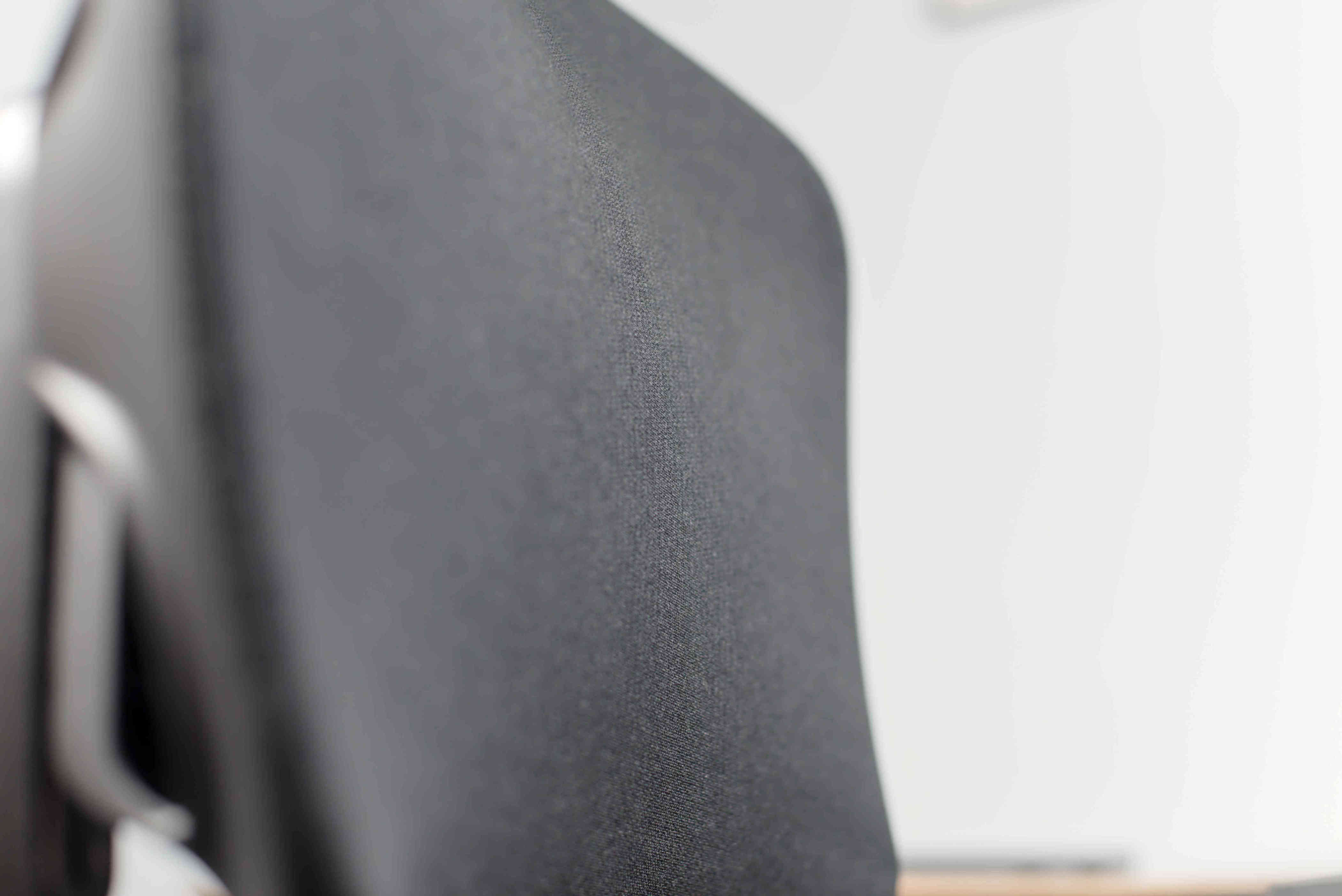
The materials used in the areas that come into contact with the user are pleasant. The fabric-upholstered version is made of high-quality synthetic material with a slight fluff, which feels warm and not staticky or slippery. I haven’t tested the mesh version, but I expect it to be lighter, cooler, and smoother.
Some materials could feel more premium, but the chair doesn’t feel cheap. For instance, the rear plastic isn’t the most scratch-resistant I've encountered, but it’s not far off from higher-end models.
I did have some issues with the castor wheels on my thick carpet. When rolling towards my desk, the wheels sometimes got stuck. While this wasn’t a major problem, it was slightly annoying. If you have hard flooring or use a chair pad, this shouldn’t be an issue.
Comfort score: 4/5
Should I buy the Eureka Ergonomic Axion?
Buy it if...
You want tons of adjustable ergonomic features
Almost every part of the Axion can be moved in at least two directions to ensure you get the support you need.
You want a hybrid gaming/office chair
The Axion won’t embarrass you in your work-from-home meetings, but you also won’t feel like you're sitting in a boardroom while you're nailing headshots. It’s the best of both worlds.
Don’t buy it if...
You want the highest-end materials
The Axion doesn’t feel cheap, but some aspects of its construction could be improved.
You want a very plain chair
With no all-black colorway and a fairly sci-fi build, the Axion may look too jazzy for the most demure settings.
Also consider
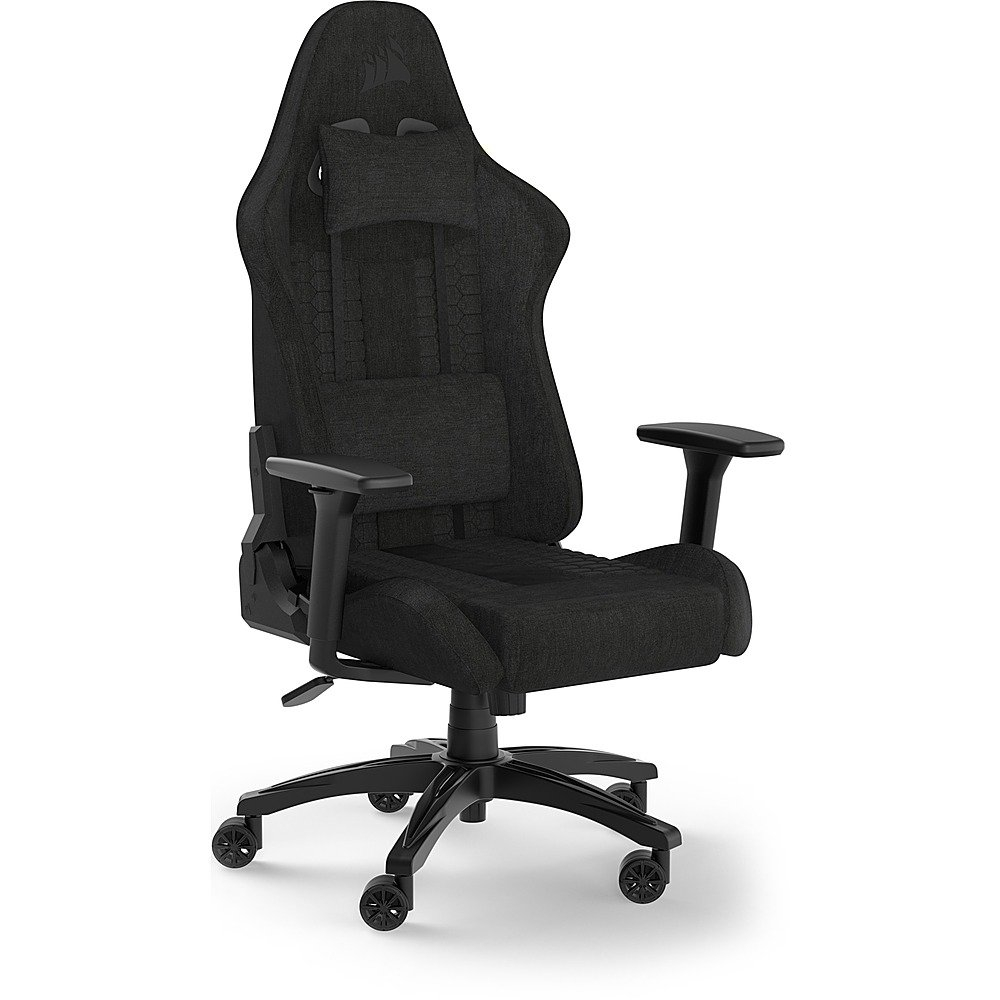
Corsair TC100 Relaxed
Despite being almost $200 cheaper, the TC100 is one of our highest-rated chairs and our top choice for budget office chairs. Its gamer-esque design is muted enough to blend in, and its build quality is better than expected for the price.
Read our full Corsair TC100 Relaxed review
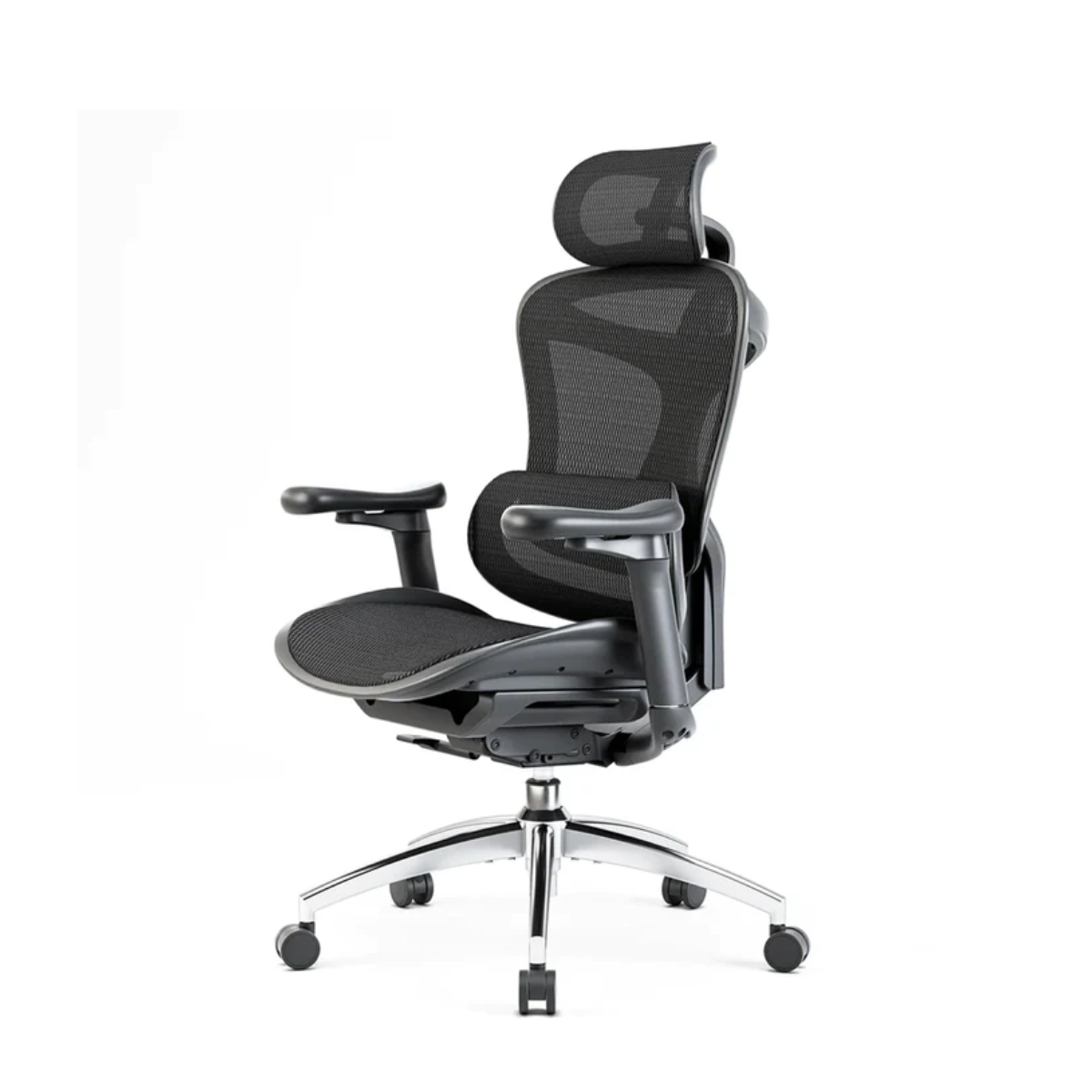
SIHOO Doro C300
If you don’t mind missing out on a fair amount of adjustable ergonomic features, the SIHOO Doro C300 is a cheaper alternative to the Axion. Plus, its all-mesh construction will be more comfortable in warmer climates than the fabric version of the Axion.
Read our SIHOO Doro C300 review
